There’s a funny thing happening in schools right now, and it’s exactly why “10 Best AI Tools Every Student Should Use in 2026” has become such an important topic to talk about.
A student opens a laptop to “quickly check one thing,” and suddenly an AI tool has summarized a 40-page PDF, explained calculus like a patient older sibling, cleaned up an essay, created flashcards, and even designed a presentation before lunch.
Honestly? Students today are basically carrying a mini research assistant in their backpacks.
And no, this isn’t science fiction anymore. AI tools for students have become part of everyday school life in the US. Whether you’re in high school trying to survive chemistry or a college student drowning in assignments and iced coffee, the right AI tools can save you hours every week.
But here’s the problem: there are too many AI apps now.
Some are genuinely useful. Others feel like they were built by a robot that has never met a student in real life.
So I tested, researched, compared, and filtered through the noise to create this list of the 10 best AI tools every student should use in 2026.
These tools can help with:
- Homework
- Essay writing
- Research
- Studying
- Coding
- Productivity
- Presentations
- Note-taking
- Exam prep
- Online learning
And most importantly… they help you work smarter without turning your brain into mashed potatoes.
Quick Comparison Table: 10 Best AI Tools Every Student Should Use in 2026
| AI Tool | Best For | Free Plan | Best Feature |
| ChatGPT | Homework & explanations | Yes | Conversational tutoring |
| Grammarly | Writing & grammar | Yes | Real-time corrections |
| Notion AI | Organization | Limited | Smart notes & summaries |
| Perplexity AI | Research | Yes | Citation-based answers |
| Quizlet AI | Studying | Yes | AI flashcards |
| Gemini | Google integration | Yes | Research & Docs support |
| Otter.ai | Lecture notes | Yes | Voice transcription |
| Wolfram Alpha | Math & science | Limited | Problem solving |
| Canva AI | Presentations | Yes | AI design tools |
| GitHub Copilot | Coding | Student access | AI coding assistant |

1. ChatGPT – The Everyday Study Partner
If AI tools had a student council president, ChatGPT would probably win by a landslide.
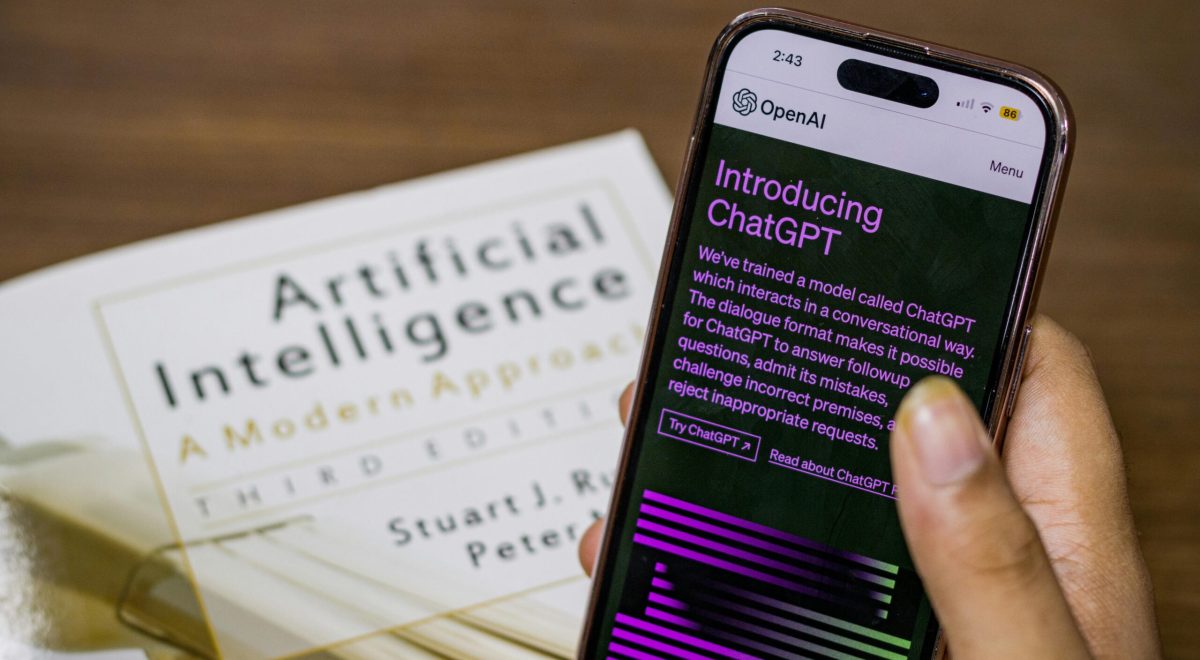
OpenAI’s ChatGPT has become one of the most popular AI apps for students because it can explain difficult topics in plain English.
And honestly, that matters.
Sometimes textbooks explain things like they were written by a sleepy wizard from 1842.
ChatGPT can simplify concepts fast.
Best For
- Homework help
- Brainstorming
- Essay outlines
- Study explanations
- Coding help
- Practice questions
Why Students Love It
You can literally ask:
- “Explain photosynthesis like I’m 12.”
- “Summarize this chapter.”
- “Help me study for biology.”
- “Create a 20-question quiz.”
And it responds instantly.
The Catch
You still need to fact-check answers. AI sometimes sounds confident while being completely wrong. Like that one classmate who argues loudly during group work but contributes nothing.
Pricing
- Free plan available
- Paid version offers faster and smarter responses
Best for: Almost every student.
2. Grammarly – Your Essay’s Best Friend
Let’s be honest.
We’ve all written sentences that looked perfectly fine… until Grammarly highlighted them like a crime scene.
Grammarly is one of the best AI writing tools for students because it catches:
- Grammar mistakes
- Awkward sentences
- Spelling errors
- Tone issues
- Clarity problems
Why It’s Useful
It doesn’t just correct writing. It explains why something sounds weird.
That’s huge for improving academic writing over time.
Best Features
- AI rewriting
- Tone suggestions
- Citation help
- Plagiarism checking
- Essay improvement tips
Best For
- College essays
- Emails
- Assignments
- Research papers

3. Notion AI – The Ultimate Organization Tool
Some students organize their notes beautifully.
Others have 37 tabs open, three missing assignments, and lecture notes written on random receipts.
If you fall into the second category, Notion AI can genuinely change your life.
What It Does
It combines:
- Notes
- To-do lists
- Study schedules
- AI summaries
- Project tracking
Into one clean workspace.
Why Students Love It
Notion AI can:
- Summarize lecture notes
- Create study guides
- Organize research
- Generate outlines
It’s like having a super-organized classmate who actually remembers deadlines.
Best For
- Productivity
- Planning
- Group projects
- Study management
4. Perplexity AI – The Research Genius
Google gives you links.
Perplexity AI gives you answers with sources.
That’s why many students now use it for academic research.
Why It Stands Out
Perplexity cites where information comes from, making it incredibly useful for:
- Research papers
- Assignments
- Fact-checking
- Academic projects
Best Feature
The citation system.
Instead of hunting through 20 tabs like a digital archaeologist, you get summarized information with references attached.
Best For
- AI tools for academic research
- Citation gathering
- Research summaries
5. Quizlet AI – Smarter Studying
There are two types of students:
- Students who make flashcards
- Students who say they’ll make flashcards
Quizlet helps both.
Its AI features automatically generate quizzes, study guides, and flashcards from notes.
Why It Works
Active recall is one of the best ways to study, and Quizlet makes it less painful.
Best Features
- AI-generated flashcards
- Practice tests
- Study games
- Memorization tools
Best For
- Exam prep
- Language learning
- Revision sessions
6. Google Gemini – Best for Google Users
If your school already uses Google Docs, Gmail, and Google Drive, then Google Gemini fits naturally into your workflow.
What It Does Well
- Research assistance
- Document summarization
- Google Docs integration
- Brainstorming ideas
Why Students Like It
It feels smooth and familiar.
You don’t need to learn a whole new system.
Best For
- Online learning
- Google Workspace users
- Quick research
7. Otter.ai – The Lecture Saver
You know that moment in class where the teacher says something important while you’re still writing the previous sentence?
Yeah. Otter.ai exists for that exact problem.
What It Does
It records and transcribes lectures in real time.
Why It’s Amazing
Instead of panicking during fast lectures, you can actually focus on understanding.
Best Features
- Live transcription
- AI summaries
- Searchable notes
- Audio syncing
Best For
- Lecture-heavy courses
- Online classes
- Study reviews

8. Wolfram Alpha – The STEM Hero
Math students know the pain.
You stare at an equation so long it starts looking like ancient symbols from a lost civilization.
That’s where Wolfram Alpha helps.
Best Features
- Step-by-step math solutions
- Science problem solving
- Graphing tools
- Engineering calculations
Best For
- Math
- Physics
- Chemistry
- Engineering
Important Note
Don’t just copy answers.
Use it to understand the process.
That’s the difference between learning and just surviving until the exam.
9. Canva AI – Presentation Magic
Nobody enjoys making slides at 2 AM.
Thankfully, Canva added AI tools that make presentations ridiculously easier.
What Canva AI Can Do
- Generate slides
- Create graphics
- Write presentation text
- Remove backgrounds
- Design posters
Why Students Love It
It makes your work look professional even if your design skills peaked in Microsoft Paint.
Best For
- Presentations
- Posters
- Social media projects
- Creative assignments
10. GitHub Copilot – The Coding Assistant
If you’re learning programming, GitHub Copilot feels like having a coding tutor sitting beside you.
What It Does
- Suggests code
- Explains functions
- Speeds up programming
- Helps debug errors
Best For
- Computer science students
- Beginner coders
- Software projects
Important Reminder
You still need to understand your code.
Otherwise, debugging becomes emotional damage.
Best Free AI Tools for Students – 10 Best AI Tools Every Student Should Use in 2026
If you’re on a budget (which, let’s be real, most students are), these tools offer excellent free versions:
| Tool | Free Version Available? |
| ChatGPT | Yes |
| Grammarly | Yes |
| Perplexity AI | Yes |
| Quizlet | Yes |
| Canva AI | Yes |
| Gemini | Yes |
| Otter.ai | Yes |
Are AI Tools Safe and Ethical for Academic Use?
This is one of the biggest questions students ask.
And the honest answer is: it depends on how you use them.
Using AI to:
- Learn concepts
- Improve writing
- Organize notes
- Study smarter
…is generally fine.
Using AI to:
- Cheat on exams
- Submit fully AI-written essays
- Avoid learning completely
…can get you into serious trouble academically.
Think of AI like a calculator.
Helpful? Absolutely.
But your brain still needs to do the heavy lifting sometimes.
How Students Can Use AI Responsibly
Here’s my personal rule:
Use AI as a coach, not a replacement.
Good students use AI to:
- Understand faster
- Save time
- Improve productivity
- Learn difficult topics
Bad students use AI to avoid thinking entirely.
And trust me, teachers are getting very good at spotting that.
AI Tools That Help Students Stay Organized
If organization is your weakness, start with:
- Notion AI
- Otter.ai
- Quizlet
- Google Gemini
These AI productivity apps for university students help reduce chaos and improve focus.
Because honestly, half of student stress comes from forgetting things.
Final Thoughts: AI Won’t Replace Students – But Students Using AI Will Win
Here’s the reality:
AI is becoming part of education whether schools like it or not.
The students who learn how to use AI tools responsibly today will probably have a huge advantage tomorrow.
Not because AI magically makes people smarter.
But because it helps people:
- Learn faster
- Stay organized
- Save time
- Focus better
- Work more efficiently
And in a world full of distractions, that matters a lot.
So if you’re just getting started, pick one or two tools from this list and actually use them consistently.
You don’t need 47 AI apps.
You just need the right ones.
And honestly? Future-you will probably be very grateful.

One Response